Backroom: a private photo vault hidden from iPhone Photos
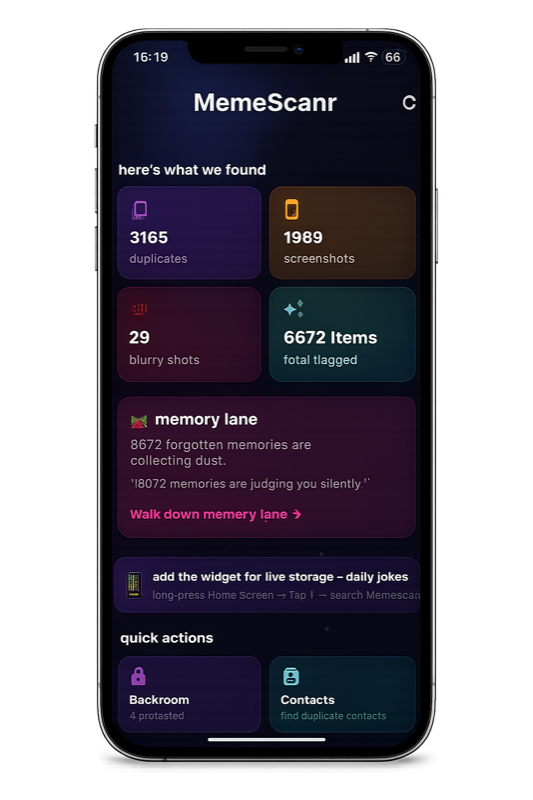
Backroom is MemeScanr's private photo vault. Photos moved into Backroom leave the iPhone Photos app entirely — they don't show up in Memories, widgets, shared albums, or iCloud Photos. The vault is locked with Face ID, Touch ID, or a 4-6 digit PIN. Decoy screens give you extra privacy in high-scrutiny situations.
How is Backroom different from the iPhone Hidden album?
Apple's Hidden album is not private — it's just a folder that most people don't look at. It still lives inside the Photos app, still syncs to iCloud by default, and can be found by anyone who knows to check Albums → Utilities → Hidden.
Backroom is different. Photos moved into Backroom are moved out of the Photos app completely. They don't appear anywhere in iOS Photos, never sync to iCloud, and are stored in an encrypted on-device container only MemeScanr can read.
| Feature | MemeScanr Backroom | iPhone Hidden Album |
|---|---|---|
| Visible in Photos app | No | Yes (in Albums) |
| Visible in iCloud Photos | No | Yes |
| Face ID / Touch ID lock | Yes | Yes (iOS 16+) |
| PIN fallback | Yes | No |
| Decoy screens | Yes | No |
| Auto-lock on app background | Yes | No |
| On-device encrypted storage | Yes | No |
How to move photos into Backroom
Three ways:
- From Memory Lane — swipe up on any photo to vault it.
- From Clean — tap the vault icon on any item in the review grid.
- From the Backroom tab directly — use the "add photos" button to select from your library in bulk.
What are decoy screens?
Backroom has an optional decoy mode: if someone forces you to open the app, or enters the wrong PIN 3 times, MemeScanr shows a fake empty vault, a fake notes app, or a fake calculator — depending on which decoy you picked during setup. The real vault stays hidden behind a second-level unlock.
This is useful in high-scrutiny situations: border crossings, nosy partners, curious children, shared devices. It's an extra layer on top of biometric + PIN.
Is Backroom end-to-end encrypted?
Backroom uses iOS's built-in Data Protection class (complete protection when locked). Files are stored inside the app's sandbox and encrypted with a key tied to your device passcode plus your Backroom PIN. We don't manage keys because we never see your data — there is no MemeScanr server.
What if I lose my PIN?
During setup, Backroom asks you to set a recovery question and answer. If you lose both your PIN and Face ID access, the recovery answer is the only way back in. There is no cloud recovery. There is no "email reset link." If you forget the PIN and the recovery answer, the vault is permanently locked — that's the privacy trade-off.